Subscription
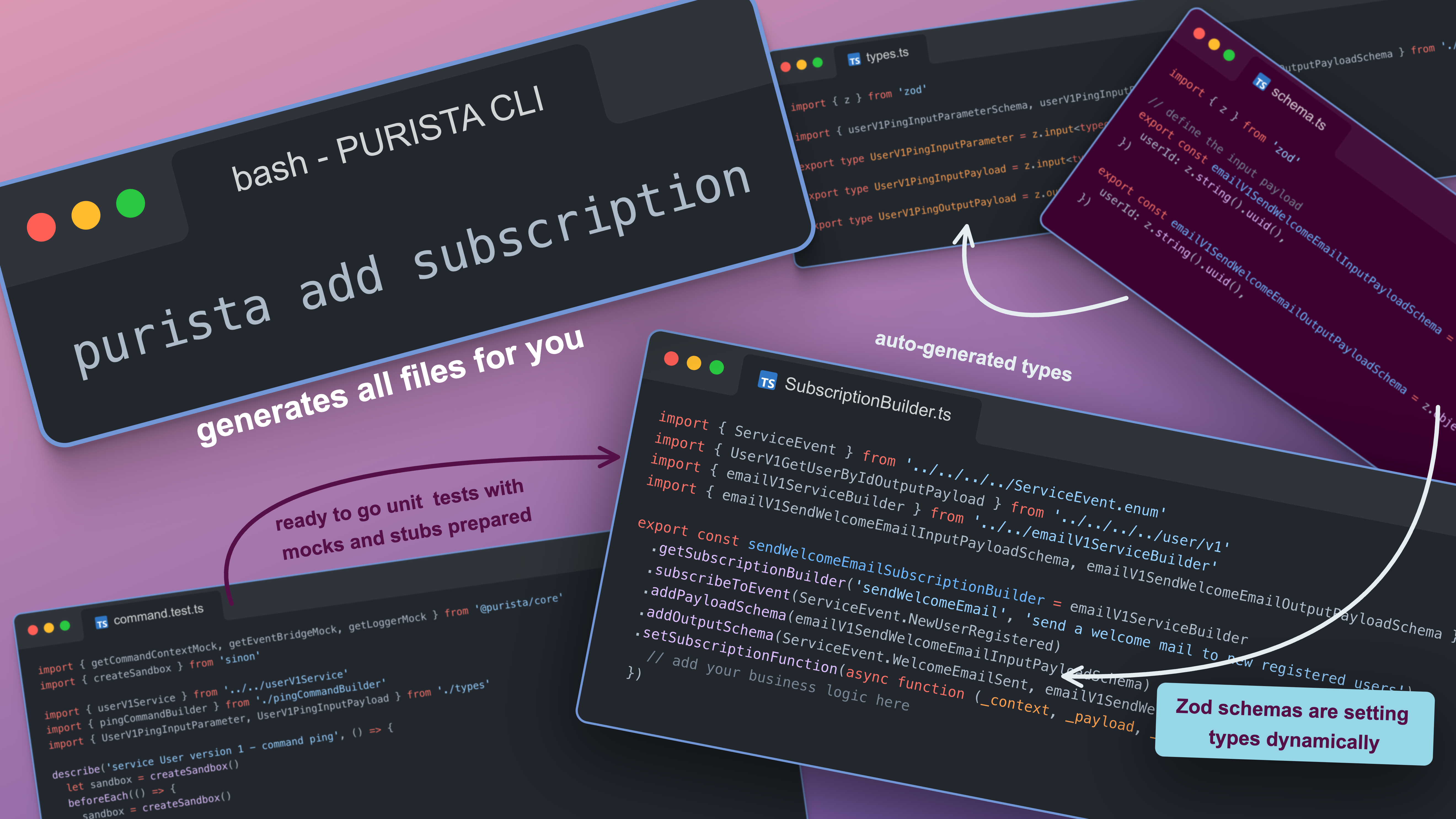
A subscription is a function which will be triggered by messages and events, when the given criteria are matching. The producer of the message does not have knowledge about the subscription.
This decoupling is the defining characteristic of subscriptions and the main reason to reach for them. When an OrderService emits an orderPlaced event, it does not call the NotificationService directly — it simply publishes to the event bridge. Any number of subscribers can react: one sends an email, another updates an inventory projection, a third triggers a fraud check. Adding a new reaction never requires touching the original command. This is how PURISTA encourages bounded services to remain genuinely independent.
A subscription’s function signature is setSubscriptionFunction(async function(context, payload, parameter) { ... }) and the return value controls broker-level delivery outcomes. Returning { status: 'ack' } settles the delivery successfully. Returning { status: 'retry' } signals a transient failure. { status: 'deadLetter' } routes a message to the dead-letter target immediately. { status: 'drop' } acknowledges and discards with a warning log. { status: 'stop-consumer' } pauses the consumer for operator review. This gives you precise control over delivery semantics directly from your business logic, without having to throw errors and rely on broker defaults.
Subscriptions do not need to return a value. If a subscription is returning a value, it will be emitted as custom message to the event bridge. The subscription does not have any knowledge if the custom message has a consumer.
Subscriptions can access service resources (for example database clients/connections) via context.resources.
Resources are provided when creating the service instance with serviceBuilder.getInstance(eventBridge, { resources: ... }).
Subscriptions can also consume stream endpoints via context.stream when declared with .canConsumeStream(...).
Typical use cases:
- update projections/read models after command success events
- send emails/notifications after business events
- trigger asynchronous integrations with external systems
- run cross-cutting reactions like auditing and metrics enrichment
In PURISTA, subscriptions are declared with the subscription builder:
- define input/parameter/output schemas
- configure matching filters (event name, sender/receiver, message type, tenant/principal)
- optionally define invokes and emitted events
- provide the subscription function implementation
Continue with:
When to use
The boundary between subscriptions and queues is worth understanding early. Subscriptions are broker-push: messages arrive when the broker decides to deliver them, and retries are bounded by adviceConsumerFailureHandling. Queues are worker-pull: your code fetches the next job when it is ready, with leases, heartbeats, and operator-visible backlogs. For email notifications, projection updates, and cross-service reactions, subscriptions are the right fit. For long-running jobs, AI agent pools, or work that needs explicit replay and backlog tooling, prefer a queue.
- You need asynchronous side effects.
- Multiple consumers should react to domain events.
- Work should continue even if the original caller is gone.
Common pitfalls
- using subscriptions for synchronous request/response logic
- overly broad filters causing unexpected message matches
- assuming broker delivery guarantees that are not configured
- doing long-running work directly instead of handing off to a queue
Checklist
- filter scope is explicit (event/message/sender/tenant/principal)
- durable/shared/ack hints are aligned with the broker setup
- emitted events (if any) have explicit schemas
- unit tests cover matching and non-matching scenarios